 CopyPal
Clipboard managers without a subscription: one-time purchase options in 2026
You do not need a subscription to get a good clipboard manager. Ditto and CopyQ on Windows and Maccy on the Mac are free, and Windows and macOS 26 have a basic history built in. If you want more, one-time purchases run from $9.99 for ClipBook to $99.99 for Paste Lifetime. We make one of them, CopyPal, so every other price below comes from the developer's own site or app store page, checked on 20 October 2026.
The short answer
- Free on Windows: the built-in Win+V history, Ditto, CopyQ.
- Free on a Mac: Spotlight's clipboard history on macOS 26 and later, Maccy, CopyQ.
- Pay once, Mac: ClipBook, Alfred Powerpack, Pastebot bought direct, Paste Lifetime, CopyPal.
- Pay once, Windows: ClipboardFusion Pro, CopyPal.
- One licence for Mac and PC: CopyPal, $10 for two devices in any mix.
Every option compared
| App | Runs on | Price model | Price | What you get |
|---|---|---|---|---|
| Windows clipboard history | Windows 10 and 11 | Free, built in | $0 | Last 25 items and pins; cleared at restart; no search |
| Spotlight clipboard history | macOS 26 and later | Free, built in | $0 | Searchable copies for up to 7 days; no pins |
| Maccy | Mac, macOS 14 and later | Free, open source | $0, or $9.99 on the Mac App Store | Text and image history, pins, ignored apps |
| Ditto | Windows | Free, open source | $0 | Searchable history, groups, paste several, sync between your own PCs |
| CopyQ | Windows, Mac (macOS 13+), Linux | Free, open source | $0 | Tabs, tags, editing, scripting |
| Raycast, free plan | Mac, Windows | Free; Pro is a subscription | $0 | History kept up to 3 months; longer with Pro |
| CopyPal (ours) | Mac (macOS 14+), Windows 10 and 11 | One-time | $10 for two devices, Mac or PC | Every 1.x update; sources, screenshot search, snippets, paste stack |
| ClipBook | Mac, macOS 13 and later | One-time | $9.99 (1 Mac), $14.99 (2), $29.99 (5) | Lifetime updates; tags, text tools, search inside images |
| Alfred Powerpack | Mac | One-time | £34 (2 Macs, current version) or £59 (lifetime upgrades) | Clipboard history and snippets inside a launcher |
| Pastebot | Mac, macOS 26 and later | One-time direct, or App Store subscription | $39 with a year of updates, then $19 a year if you want more; App Store: $2.99 a month or $24.99 a year | You keep the last version you paid for |
| ClipboardFusion Pro | Windows | One-time | $19 per PC, or $29 for every computer in your home | All future versions; sync and advanced triggers |
| Paste Lifetime | Mac, iPhone, iPad | One-time | $99.99 | Future updates; sync through iCloud |
| Paste, for comparison | Mac, iPhone, iPad | Subscription | $3.99 a month or $29.99 a year | The same app as Lifetime |
| Raycast Pro, for comparison | Mac, Windows | Subscription | $10 a month or $96 a year | Unlimited clipboard history, plus the rest of Pro |
US dollar prices exclude tax and can vary by country; Alfred prices in pounds. Prices change, so check each developer's site before you buy.
Free clipboard managers for Mac and Windows
The built-in histories cost nothing and need no install. On Windows, press Windows key + V (Win+V) for your last 25 copies (our Win+V guide). On macOS 26 and later, press Command-Space (⌘Space) then Command-4 (⌘4) for Spotlight's history, which keeps copies for up to seven days (how to turn it on).
Maccy is free and open source for macOS 14 and later: a small, fast list of your recent copies. The Mac App Store version costs $9.99, which supports its developer.
Ditto is the long-standing free choice on Windows, open source and light, with search, groups and pasting several clips at once.
CopyQ is free and open source on Windows, macOS and Linux, and the most programmable of the lot.
Raycast includes a clipboard history in its free plan, on Mac and Windows, kept for up to three months. Longer needs Pro, a subscription. More in Raycast clipboard history vs a clipboard manager.
One-time purchase clipboard managers
ClipBook
A Mac app with tags, custom names, text transformations and search inside images. ClipBook's pricing page lists $9.99 for one Mac, $14.99 for two and $29.99 for five, with lifetime updates and a 14-day money-back guarantee, after a free 5-day trial. Its home page says the price is going up in October 2026, so check before you buy.
Alfred Powerpack
Alfred is a free launcher; clipboard history is part of the paid Powerpack, along with snippets that expand as you type. A single licence costs £34 and covers one user on two Macs for the current major version; Alfred says buying now includes a free upgrade to Alfred 6. The £59 Mega Supporter licence adds free lifetime upgrades. There are no recurring fees.
Pastebot
Pastebot now needs macOS 26 Tahoe. Bought from Tapbots, it costs $39 including a year of updates; after that you can pay $19 for another year, or keep the last version you paid for. From the App Store it is a subscription at $2.99 a month or $24.99 a year. Both come with a 14-day free trial.
ClipboardFusion Pro
A Windows app strongest at cleaning up text on its way to the paste. The free version is for personal use only. Pro costs $19 for one computer or $29 for any number of computers in your home, and the licence covers all future versions. Pro adds cloud sync and more advanced triggers.
Paste Lifetime
Paste is best known as a subscription, but its Lifetime plan costs $99.99 once and includes future updates on Mac, iPhone and iPad, without Family Sharing. It is the pay-once route to Paste on your iPhone and iPad as well as your Mac. Our guide to the Paste subscription covers every plan.
What does "one-time" actually cover?
Paying once does not always mean free updates forever. Read what the price includes:
- Lifetime updates: ClipBook, ClipboardFusion Pro, Paste Lifetime, and Alfred's Mega Supporter licence.
- The current major version: Alfred's single licence (with Alfred 6 included if you buy now), and CopyPal, which covers every 1.x update.
- One year of updates: Pastebot bought direct. The app keeps working after the year; only new versions cost extra.
Subscription clipboard managers, for comparison
Three years at today's prices, paying yearly:
- Paste: $89.97, or $143.64 paying monthly. Lifetime is $99.99.
- Raycast Pro: $288. Pro is a plan for the whole launcher, not just its clipboard.
- Pastebot from the App Store: $74.97. Bought direct with a fresh year of updates each year, $77.
A subscription can still be the right choice. Paste keeps the same history on your Mac, iPhone and iPad through iCloud, and Raycast Pro covers far more than the clipboard. If you use those extras, the subscription is buying something real.
When a free clipboard manager is enough
- You copy a few things a day: the built-in Win+V or Spotlight history.
- You want a searchable text history on Windows: Ditto. Scripting as well: CopyQ.
- You want a plain, fast history on a Mac: Maccy.
- You already use Raycast: its free clipboard history, before installing anything else.
Paying makes sense when you want something the free apps do not do: screenshots you can find by the words in them, the app and web page each copy came from, snippets, a paste stack, or one licence across a Mac and a PC. For a broader look at the Mac side, see the best Paste alternatives for Mac.
CopyPal: $10 once, Mac or PC
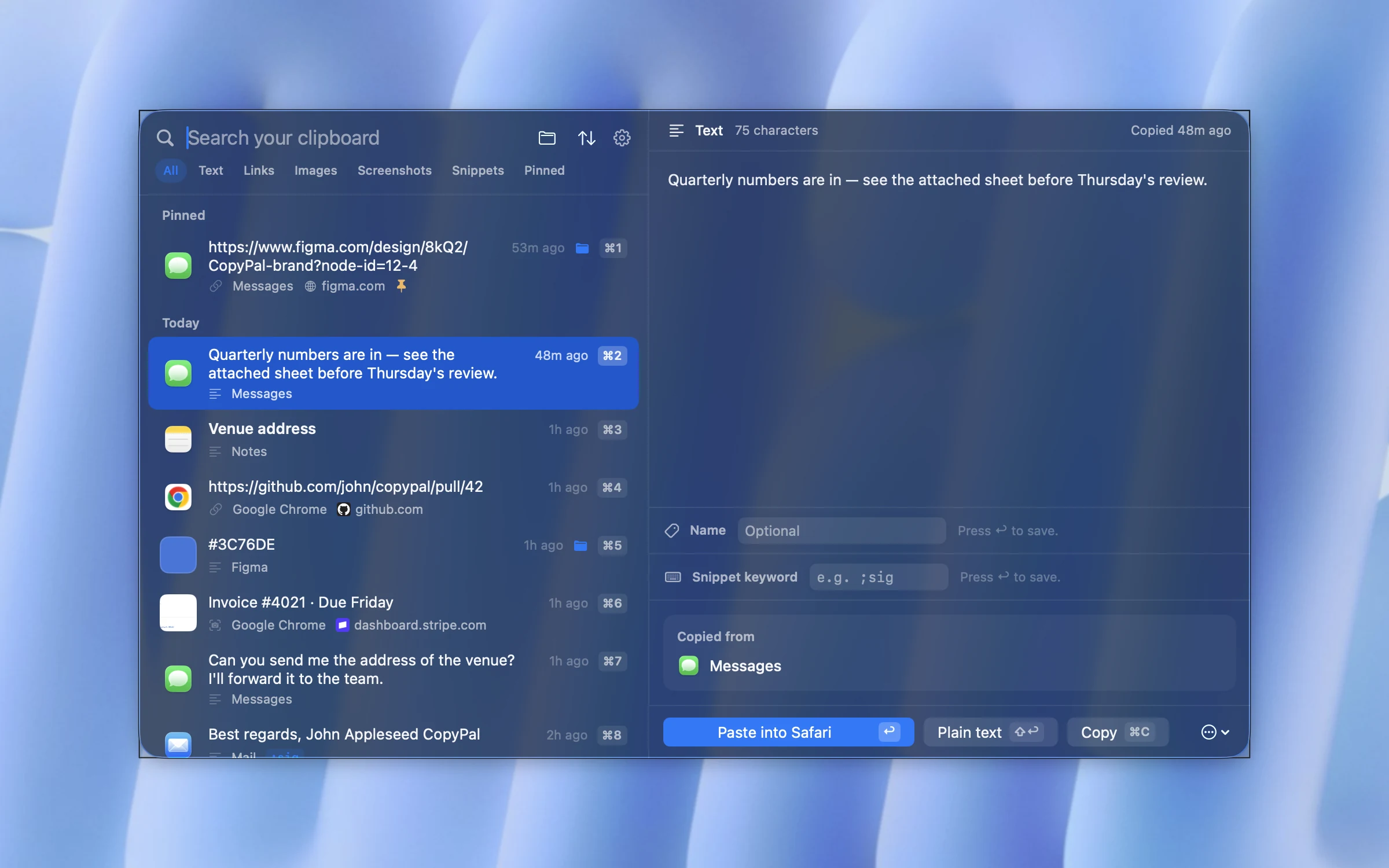
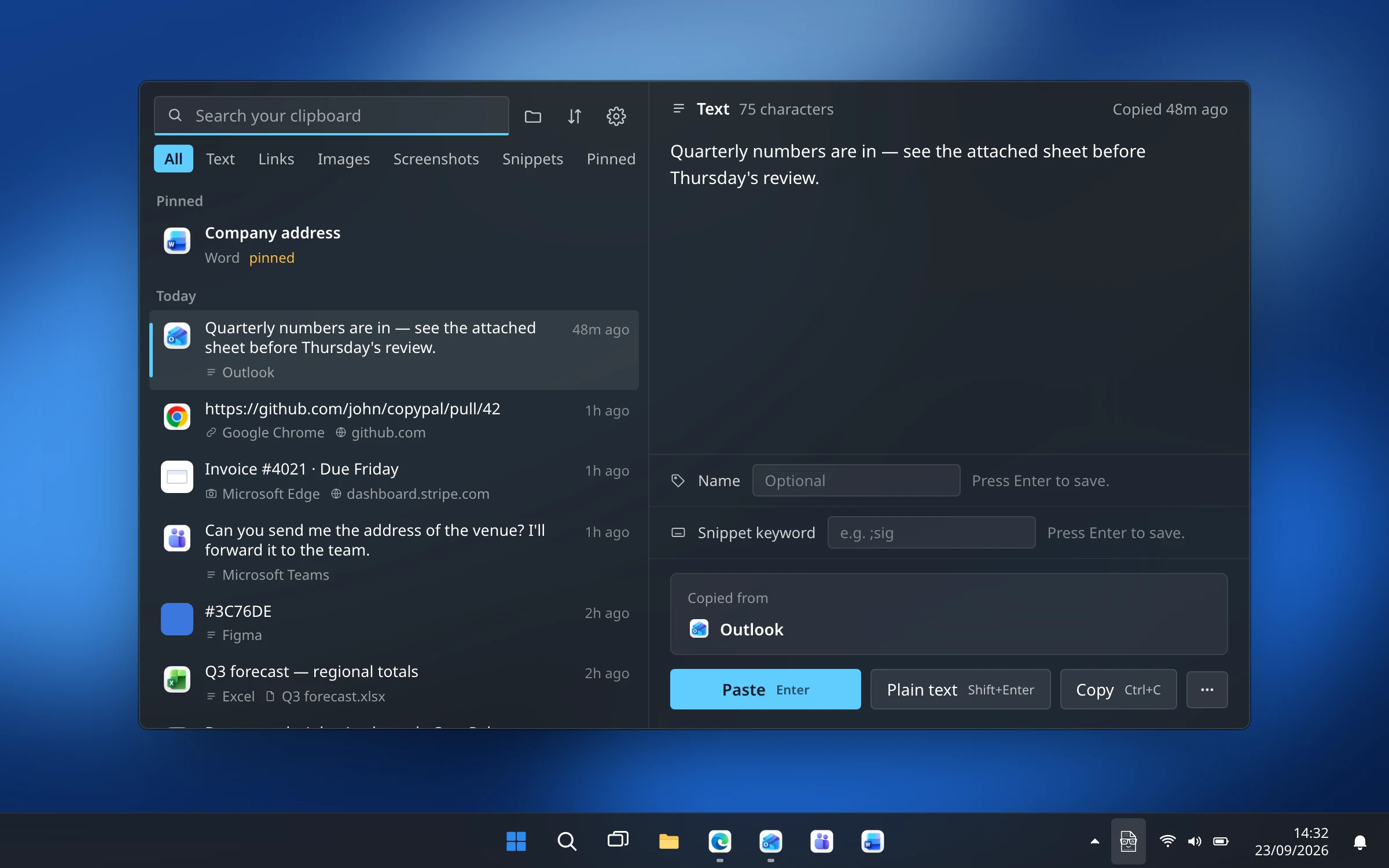
We make CopyPal, so weigh this section accordingly. It is a one-time purchase: $10 covers two devices, Mac or PC in any mix, and every 1.x update. No subscription, no account, and a 14-day refund if it is not for you.
- Keeps everything you copy: text, links, images and screenshots, the last 1,000 items by default or unlimited, on your own computer.
- Remembers where it came from: the app, and for browsers the page title and address.
- Searches inside screenshots: text in images is recognised on your computer.
- Snippets, a paste stack, pins and groups for the things you paste again and again.
What you give up compared with the paid alternatives: there is no phone app and no sync between computers, and it needs macOS 14 or Windows 10 or later.
Frequently asked questions
Is there a clipboard manager without a subscription?
Yes, most of them. Maccy, Ditto and CopyQ are free, and Windows and macOS 26 have free built-in histories. One-time purchases include ClipBook (from $9.99), CopyPal ($10 for two devices, Mac or PC), ClipboardFusion Pro (from $19), Alfred's Powerpack (from £34), Pastebot bought direct ($39) and Paste Lifetime ($99.99). Prices as of October 2026.
What is the best free clipboard manager?
On Windows, Ditto for a simple searchable history and CopyQ if you want scripting. On a Mac, Maccy. If you copy only a few things a day, the built-in history is enough: Win+V on Windows, or Spotlight on macOS 26 and later.
Does Paste have a one-time purchase?
Yes. Paste's Lifetime plan costs $99.99 once and includes future updates on Mac, iPhone and iPad. The subscription costs $3.99 a month or $29.99 a year.
Is Alfred's clipboard history free?
No. Alfred itself is free, but clipboard history is part of the Powerpack, a one-time licence: £34 for one user on two Macs for the current version, or £59 for a Mega Supporter licence with free lifetime upgrades.
Is Maccy free?
Yes. Maccy is free and open source from its website. The Mac App Store version costs $9.99, which supports the developer.
Which clipboard manager works on Mac and Windows with one licence?
CopyPal costs $10 once and covers two devices, Mac or PC, in any mix. CopyQ is free on Windows, macOS and Linux. Raycast runs on both too, with a free plan and a Pro subscription.