 CopyPal
Clipboard tips for Mac and Windows
Short, practical guides on getting more out of copy and paste, from the people who make CopyPal.
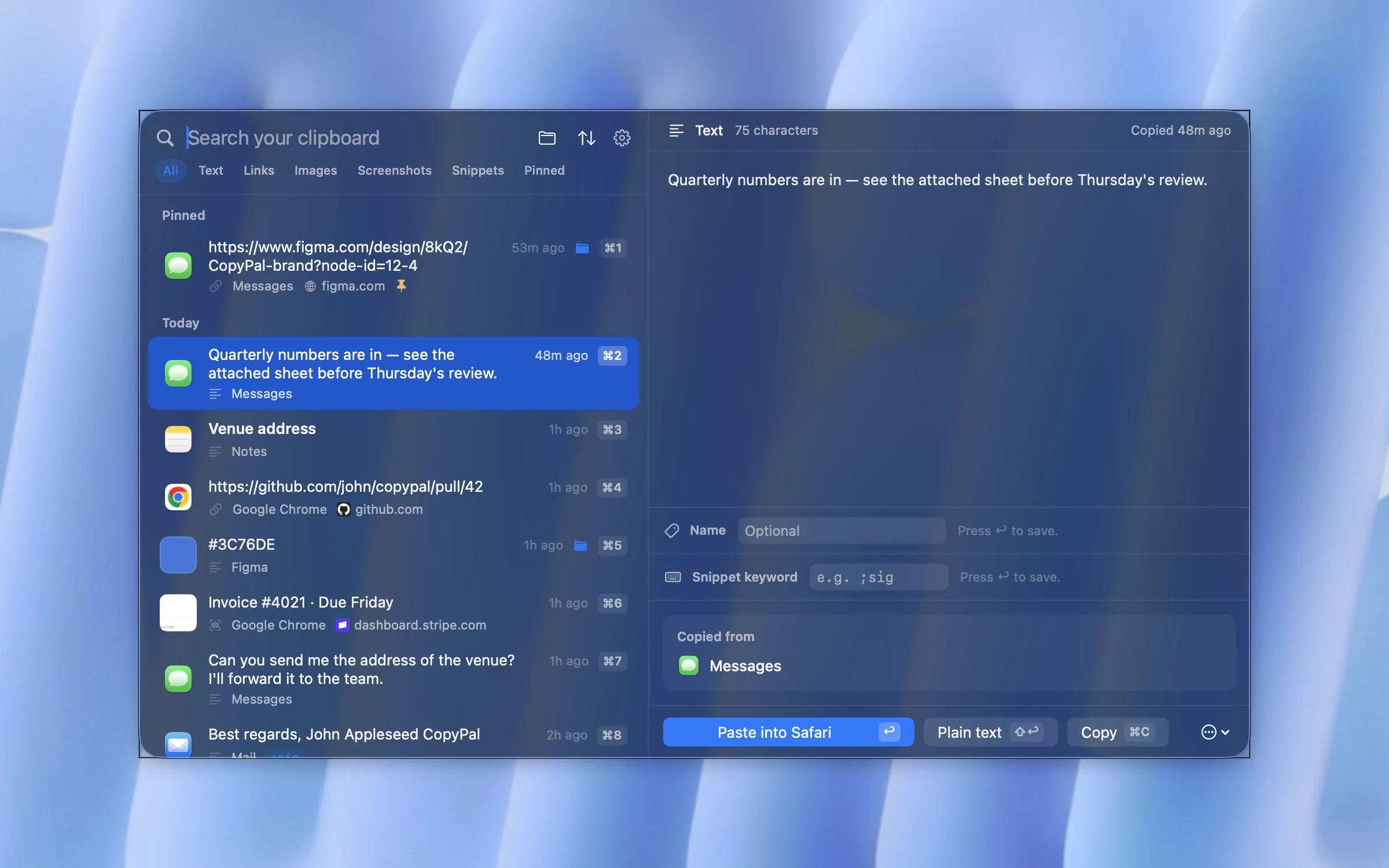
What is a clipboard manager, and do you need one?
What a clipboard manager adds to copy and paste, what Win+V and Spotlight already do, who needs one, and how to choose free or paid.
Copy and paste not working on a Mac? How to fix it
Nine fixes for Command-C and Command-V, quickest first: the clipboard process, one-app problems, the keyboard, Universal Clipboard, safe mode and updates.
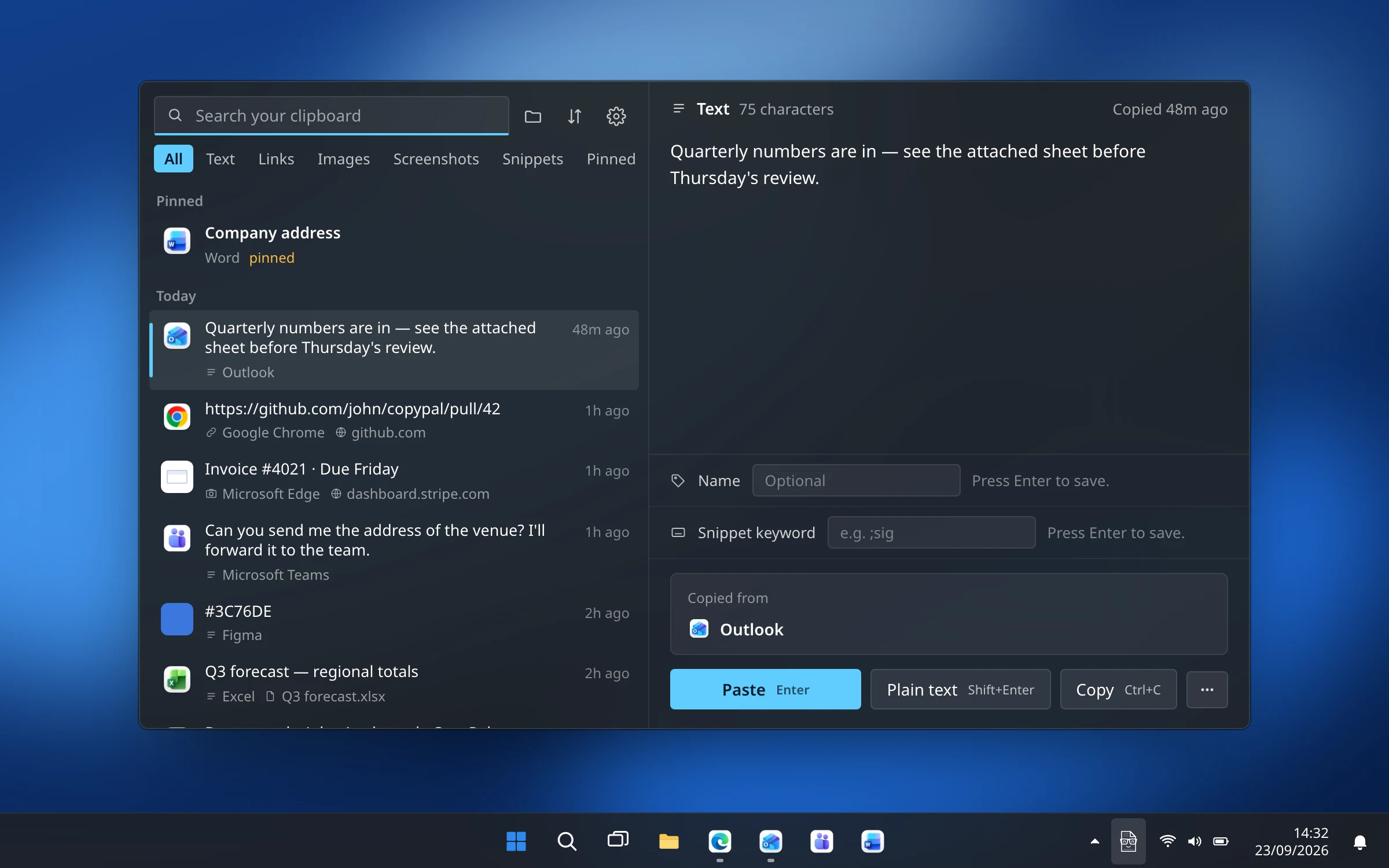
Copy and paste not working on Windows 11 or 10? How to fix it
Ctrl+C or Ctrl+V doing nothing? Ten fixes, from the right-click test and restarting Explorer to Remote Desktop, Excel, SFC and a clean boot.
How to clear the clipboard and clipboard history on a Mac
Copy a space, empty it in Terminal, clear Spotlight's clipboard history on macOS 26 and later, and wipe a clipboard manager after copying something private.
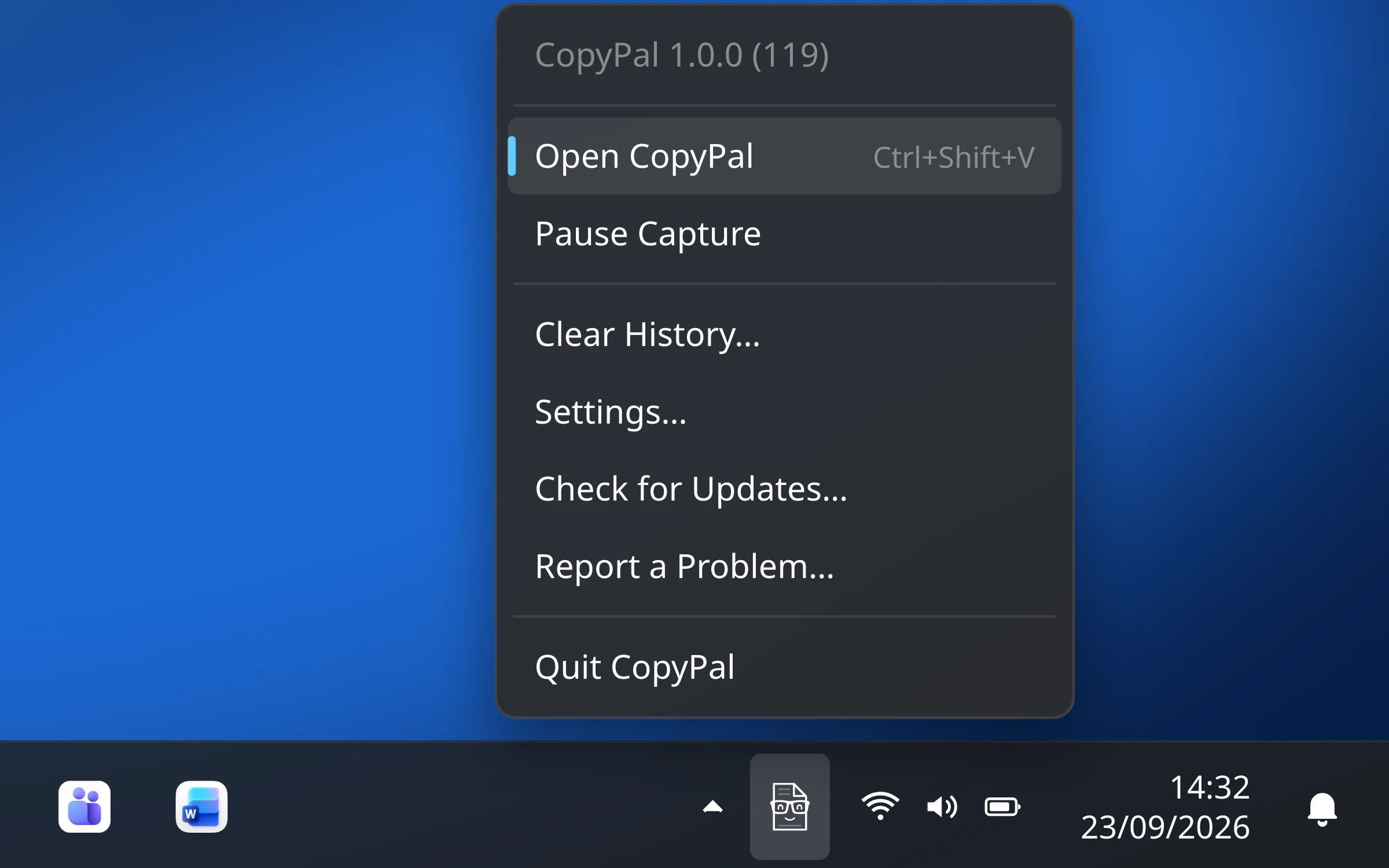
How to clear the clipboard on Windows 11 and 10
Clear all in Win+V, Clear clipboard data in Settings, pinned and synced items, a one-click shortcut, and how to stop the history.
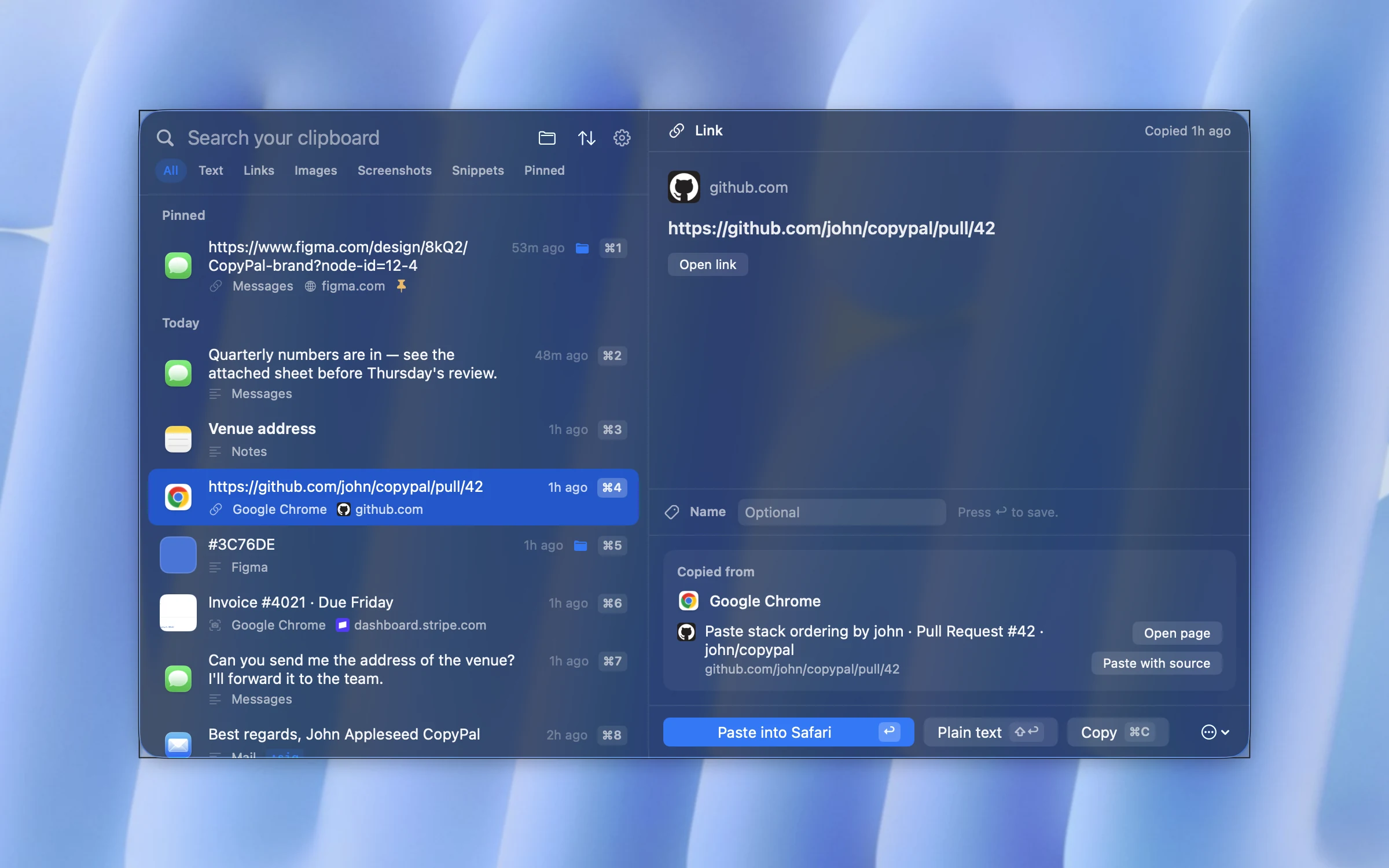
How to recover something you copied earlier (Mac and Windows)
Copied over something you needed? Every place an earlier copy might still be on a Mac or PC, and how to never lose one again.
Windows clipboard history limit: why 25 items, and how to keep more
Why Win+V stops at 25 items of 4 MB, why no setting or registry tweak raises it, what pins do, and how to keep more.
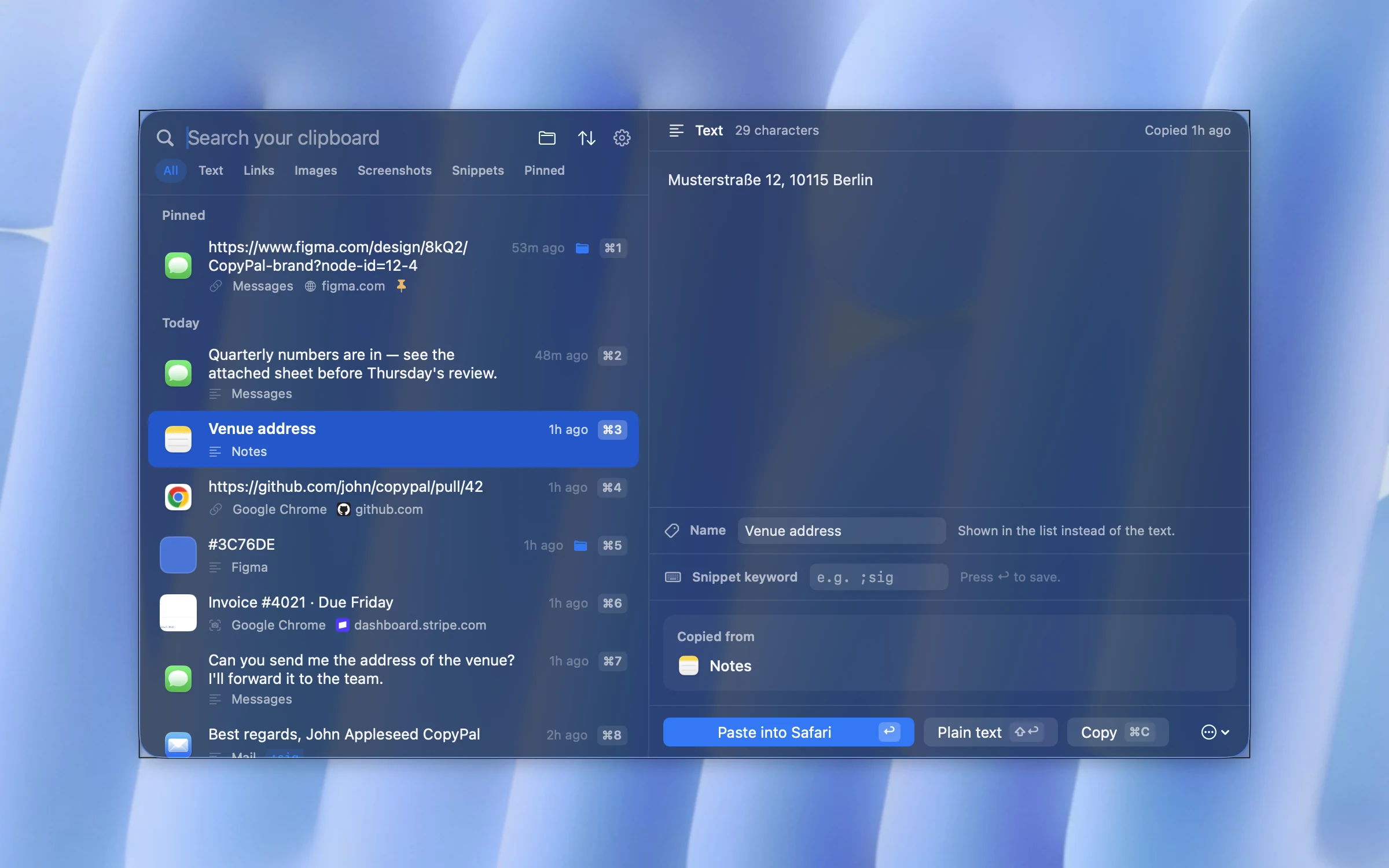
How to copy and paste on a Mac: every shortcut
Command-C, Command-V and Command-X, moving files in Finder, right-click, Paste and Match Style, and what changes when you come from Windows.
How to copy and paste on Windows: every shortcut
Ctrl+C, Ctrl+X and Ctrl+V, plain-text paste, Win+V, the right-click menu, touchpad and touchscreen, Command Prompt and Excel's Paste Special.
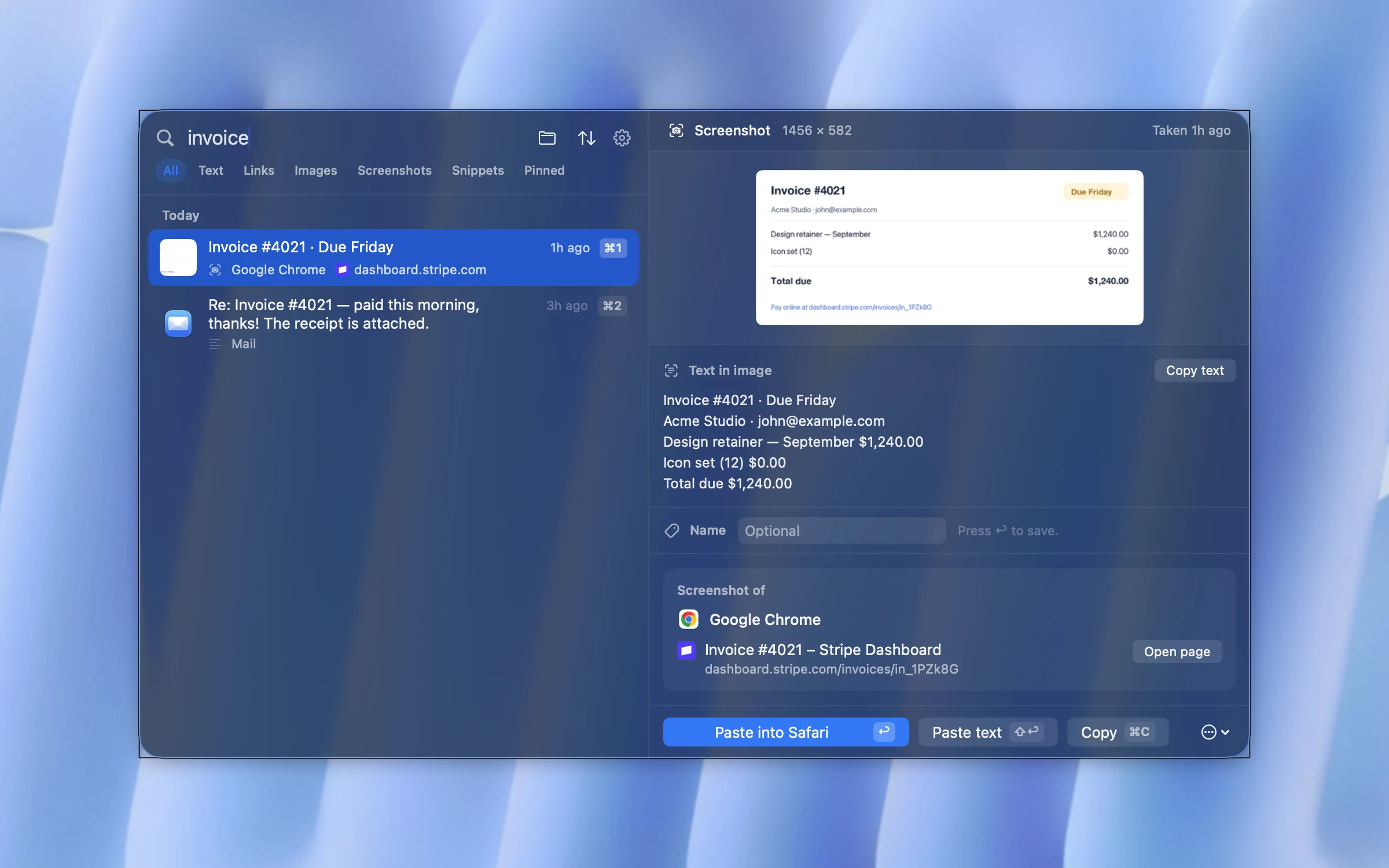
How to copy a screenshot to the clipboard on a Mac
Control-Shift-Command-4 copies a screenshot without saving a file. Making the clipboard the default, dragging the thumbnail, and why a screenshot won't paste.
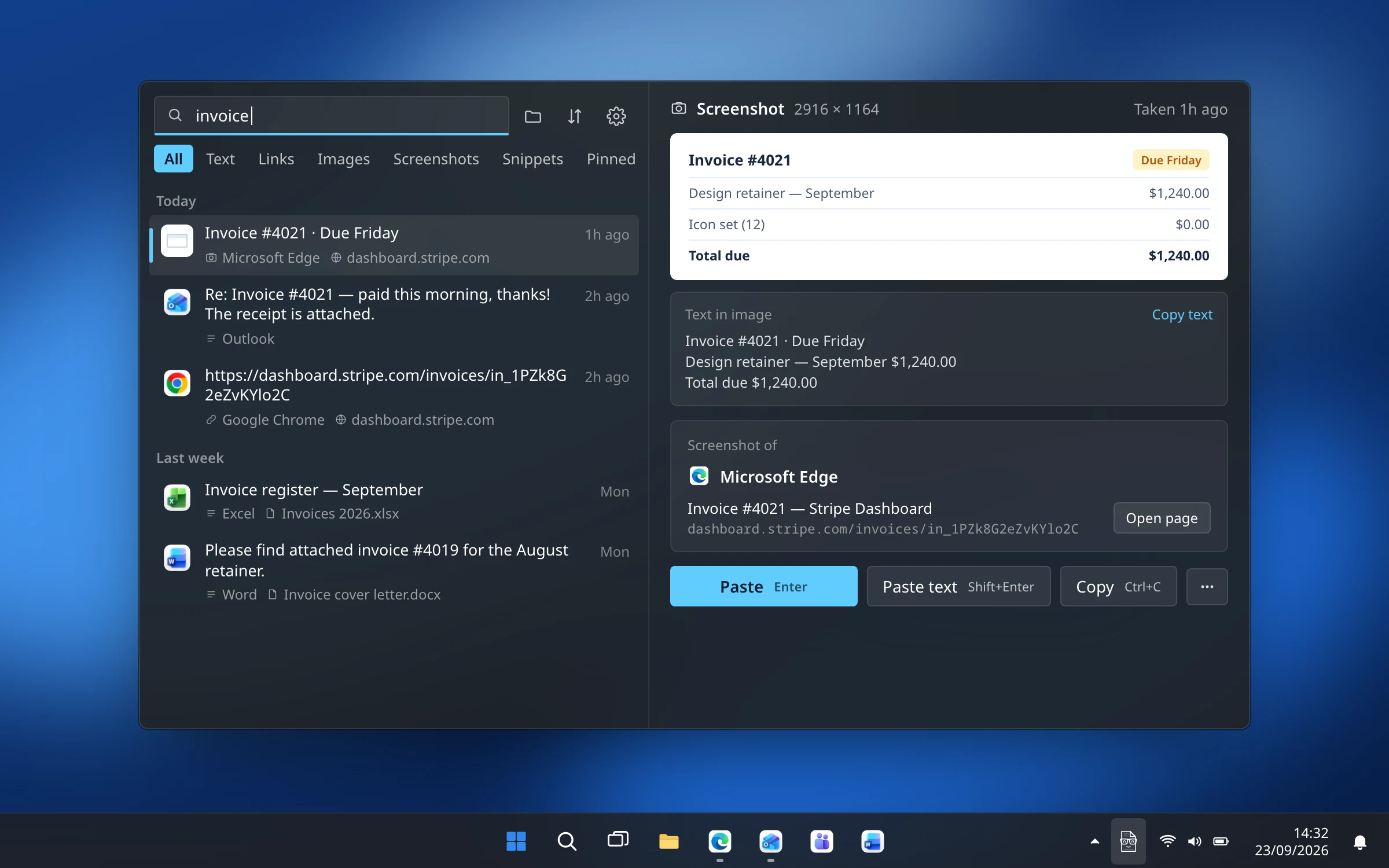
Windows + Shift + S: where screenshots go and how to paste them
Where Win+Shift+S, Print Screen and Win+Print Screen put your screenshots, why Print Screen may save nothing, and how to paste an earlier one.
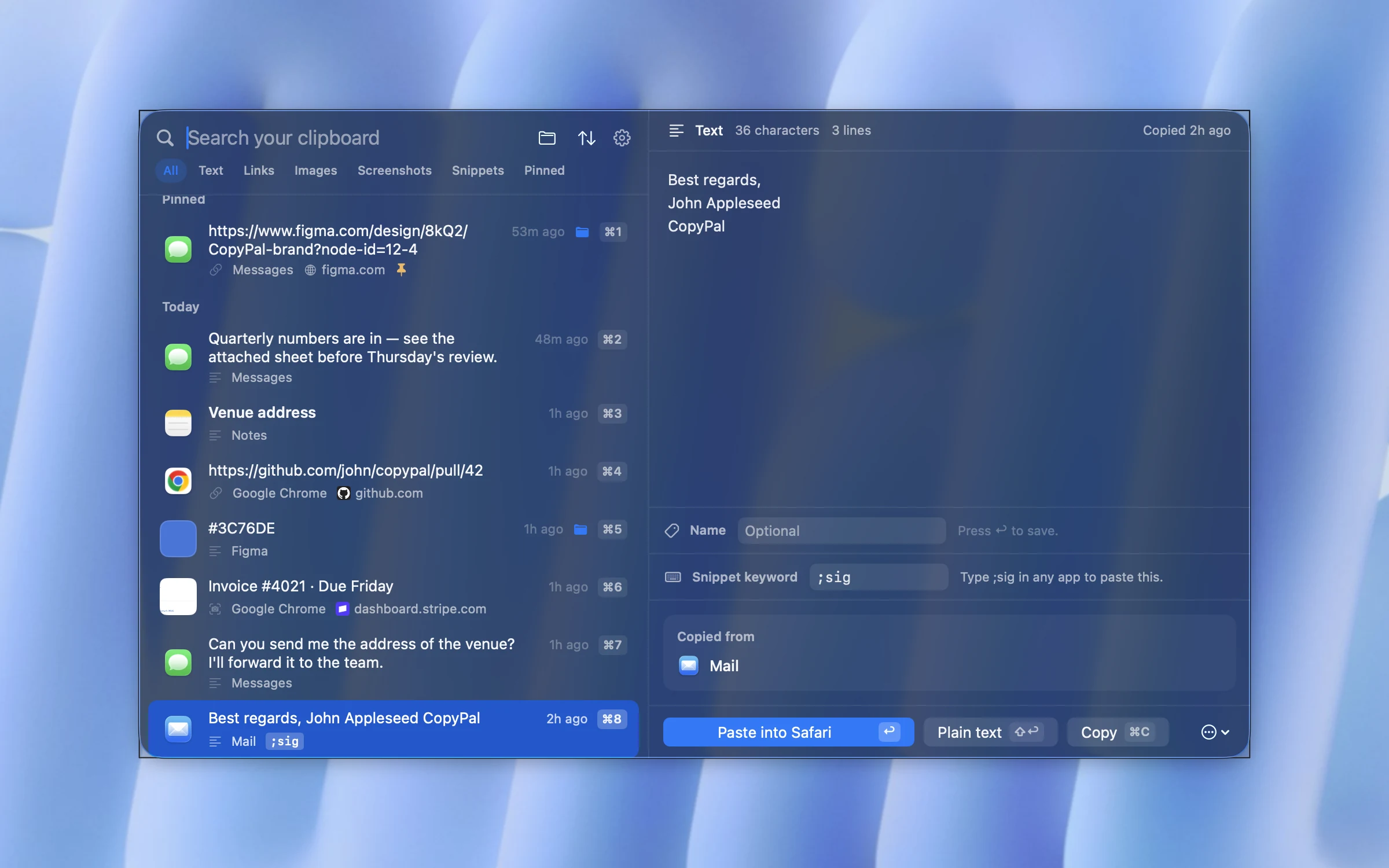
Text replacement on a Mac: how to create text shortcuts
Text Replacements in System Settings, keywords that never fire by accident, why it fails in Word, and text expanders compared with 2026 prices.
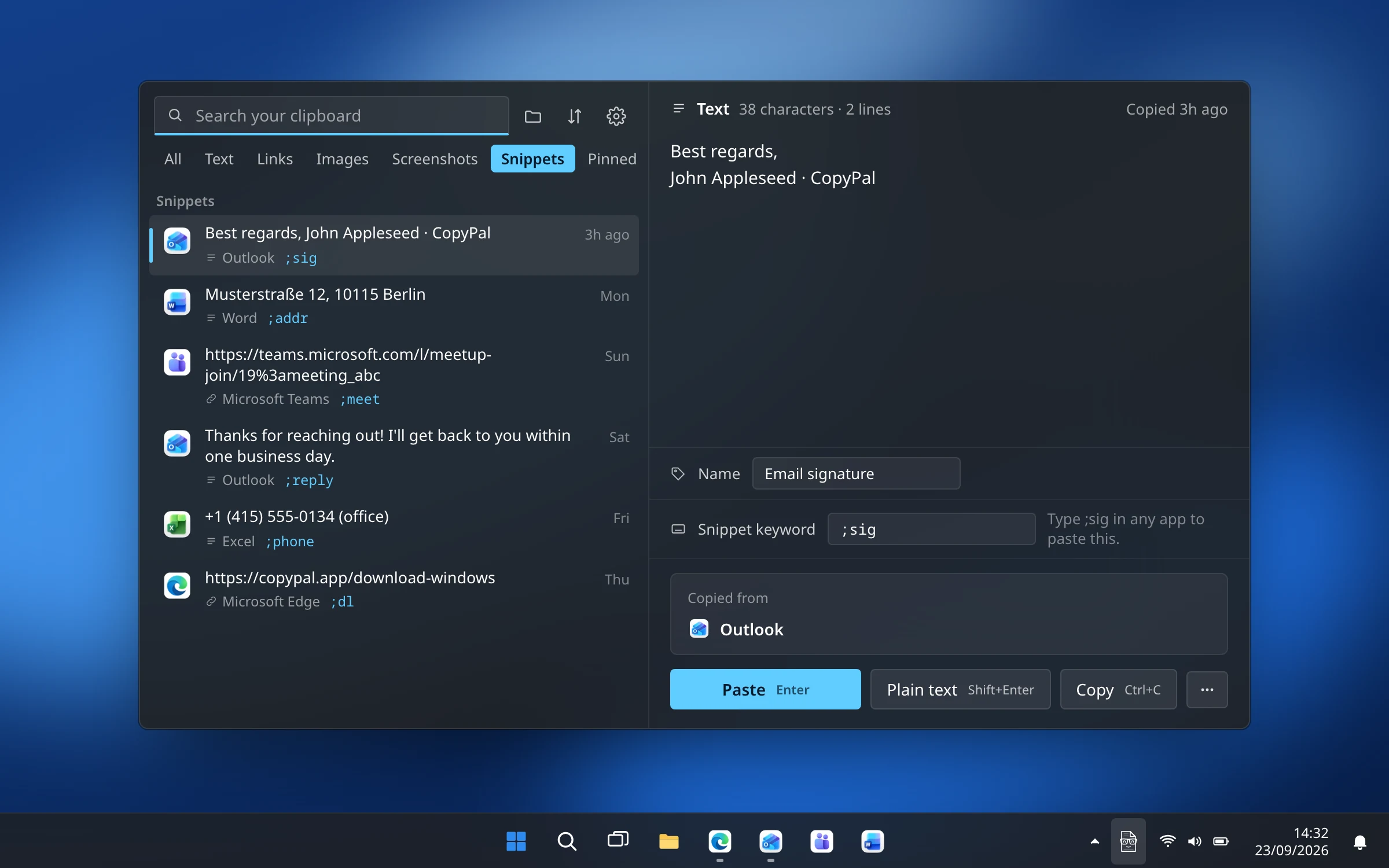
How to make text shortcuts on Windows 11 and 10 (text expander)
No built-in text replacement on Windows: AutoCorrect and Quick Parts in Office, a PowerToys shortcut, and free and paid text expanders compared.
Are clipboard managers safe? What they record and how to stay private
What clipboard managers record, where history is stored, who can see it, clipboard-hijacking malware, and a ten-step checklist for staying private.
How to remove tracking from links before you share them
What utm_source, fbclid, gclid and si do, how to clean a link by hand without breaking it, and which browsers do it for you.
Clipboard managers without a subscription: one-time purchase options in 2026
Free and pay-once clipboard managers for Mac and Windows, with October 2026 prices, what each one-time price covers, and when free is enough.
Raycast clipboard history vs a dedicated clipboard manager
What Raycast's free clipboard history does, how long it keeps copies, how it compares with Paste, and when a dedicated app fits better.
The best Clipy alternatives for Mac in 2026
Clipy is back in development. How to fix it if it stopped working, and six alternatives, with what each adds and what you give up.
The best Pastebot alternatives for Mac in 2026
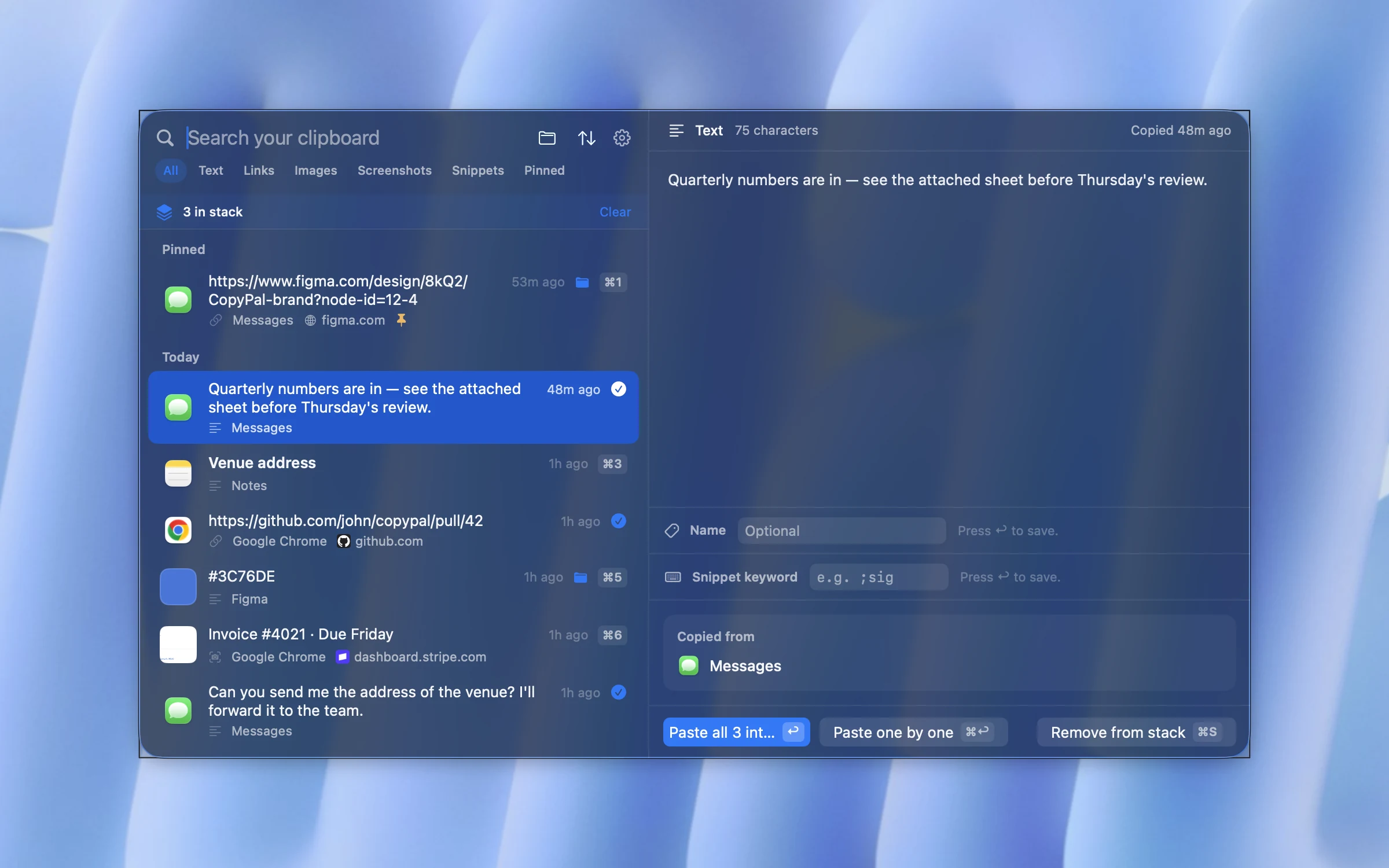
Pastebot 3 is here, needs macOS 26 and has new pricing. Six alternatives for its filters, stacks and pastebins, and what each gives up.
The best CopyQ alternatives for Windows in 2026
Ditto, Win+V, ClipboardFusion and CopyPal as CopyQ alternatives on Windows, plus a short CopyQ vs Ditto comparison and what you give up.
macOS clipboard history: how to turn it on, use it and clear it
The clipboard history in Spotlight since macOS 26: switching it on, keeping copies for up to seven days, clearing it, and what it leaves out.
How to copy and paste multiple items at once
Win+V, the Office Clipboard, Word's Spike, Spotlight on the Mac, and a paste stack that works in any app.
The Paste subscription: what it costs and how to cancel it
Monthly, annual and lifetime plans, the free trial, how to cancel wherever you subscribed, and what happens to your history.
Where is the clipboard on a Mac, and how do I see it?
No app, no icon: where the Mac clipboard lives, how to see what is on it, how to clear it, and how to keep a history.
How to paste without formatting on a Mac
Shift-Option-Command-V, the exceptions in Word, Google Docs and Slack, the Command-V remap trick, and how to make plain text the default.
How to copy text from a screenshot or image on a Mac
Live Text in Preview, Photos and Quick Look, and a clipboard manager that reads every screenshot automatically so you can search them.
How to paste without formatting on Windows
Ctrl+Shift+V, the Word and Outlook exceptions, PowerToys, the Notepad trick, and how to make plain text the default.
How to copy text from a screenshot or image on Windows 11 and 10
Snipping Tool Text actions, PowerToys Text Extractor, OneNote, and a clipboard manager that reads every screenshot automatically.
Windows clipboard history not working? How to fix Win+V
Eight fixes for Win+V on Windows 11 and 10: the setting, work-PC policies, the Windows key, item limits and sync.
How to see clipboard history on Windows 11 and 10
Win+V, how to turn it on and clear it, what it forgets after a restart, and what to use when 25 items and no search is not enough.
The best clipboard managers for Windows in 2026, compared
Windows Clipboard History, Ditto, CopyQ, ClipboardFusion and CopyPal on price, source memory, screenshot search, snippets and privacy.
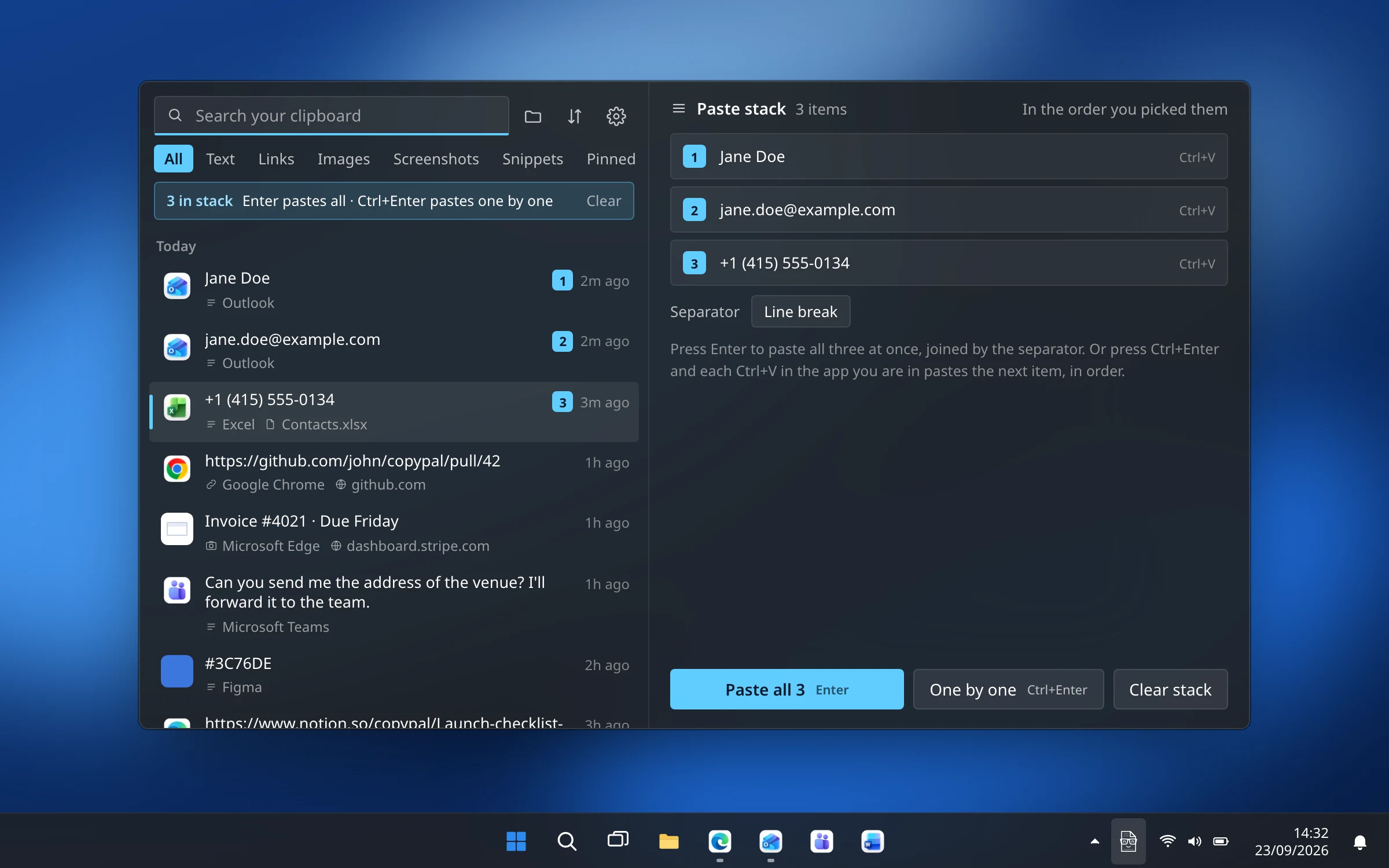
How to copy and paste multiple items at once on Windows
Win+V, the Office Clipboard, Word's Spike, and a paste stack that pastes several items in order, all at once or one per Ctrl+V.
The best Ditto alternatives for Windows in 2026
Ditto is free and reliable but shows its age. Four alternatives, what each adds, and what you give up by switching.
The best Paste alternatives for Mac in 2026
Five clipboard managers that replace Paste for less, with what you gain and what you give up.
The best Maccy alternatives for Mac in 2026
Outgrown Maccy? Apps that add sources, searchable screenshots, snippets and groups.
How to see clipboard history on a Mac
Your Mac keeps one item. What Spotlight adds since macOS 26, what it leaves out, and how to keep everything you copy.
The best clipboard managers for Mac in 2026, compared
Raycast, Paste, Maccy, ClipBook, CopyClip and CopyPal on price, source memory, screenshot search and privacy.
How to copy and paste multiple items at once on a Mac
Spotlight's clipboard history, Word's Spike, a paste stack, quick-paste shortcuts and snippets for the things you type every day.